Star Wars: The Force Awakens

So it’s finally here. Brand new Star Wars. And tonight, three generations of Parker (me, my Dad and my son) saw it together. If you’re wondering why I’m talking about it in such grand terms, it’s because I’m a massive geek and, like many folks my age, the original Star Wars trilogy was a big part of my childhood. So getting to see a new entry in the series is kind of a big deal for me.

At this point, a couple of hours since the credits rolled, I’m still not sure exactly what I thought of it. I think it’s because, as it’s been a lifelong habit of mine to watch Star Wars movies over and over again, seeing a new one for the very first time is a bit strange. It’s like first listen of a new album you’ve been looking forward to hearing, the first pass is really just an introduction, the finer points only become evident further down the line. But I already know I like it more than all of the prequels, so that’s a good start… [update 30/12/15: just had a second viewing and I can confirm I absolutely love it]
Rapid Prototyping with Atomic Design

Atomic Design is a methodology developed by Brad Frost which, in Brad’s words, is used to construct web design systems. With the increasing movement in front-end/UI development towards building libraries of components, rather than pages, Atomic Design provides a very robust and flexible means of establishing a pattern library that serves as both a front-end framework and a comprehensive style guide for the web.

This is by no means a technical guide (I’m really not very good at writing techie stuff), just an overview of how we’ve been using this approach, and how it’s helped us.

Establishing colours, typefaces etc for the pattern library (or Pattern Lab) was done with a variety of tools and is part of a wider branding project, but when it comes to prototyping, we work primarily in the browser. We find it’s the quickest way of getting something tangible that we can show to others (Show The Thing™), and having a Pattern Lab in place means we can quickly and easily put prototypes together that have a consistent look and feel.

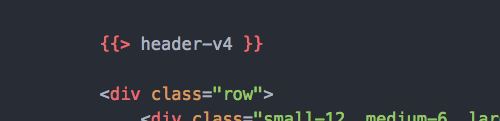
Using Handlebars.js together with Assemble, we built up a library of components that can be combined to form any number of different layouts. This approach really comes into its own when iterating over layouts, with variations of modules or organisms. Finding out, for example, which version of your header prototypes works best with a particular template can be as simple as changing a version number in your template file.

Our Pattern Lab is definitely a work in progress, and going forward it will most likely change shape significantly as we encounter real world design/development problems that we didn’t encounter when creating the components in isolation. But in these early stages, being able to prototype different combinations of ideas so quickly and easily has been a great way of getting things off the ground.


This post was originally written for Co-op Digital: http://digital.blogs.coop/2015/11/06/rapid-prototyping-with-atomic-design/


Creating a watch face for Android Wear

I recently picked up a Motorola 360 smartwatch, and after I worked out how to get a full day out of the battery (basically try not to use it much) the next thing I wanted to do was create my own watch face for it. One of the things I like most about Android is how you can tinker with the UI to your heart’s content (if you’re into that kind of thing), and Android Wear is no different.

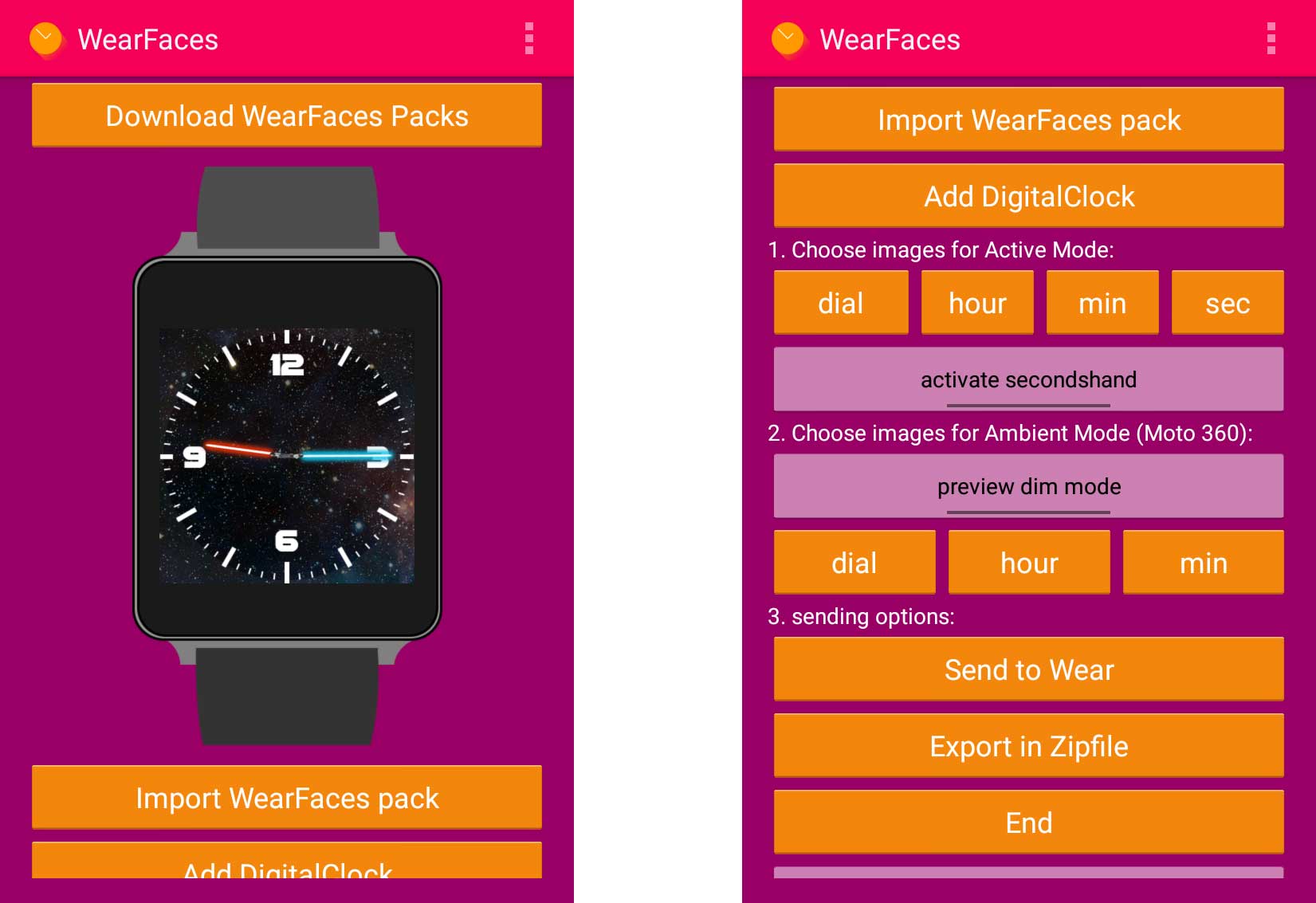
A quick look on Google will tell you there are plenty of ways of creating your own faces for Android Wear, but the method I opted for was using an app called WearFaces. If you visit the app’s website you can download template images to get you started (square or round, depending on the watch you’re creating for) – although these are just for the face itself; separate image files need to be created for the dial and the hands. Once you’ve created your custom watch face (as a massive geek I had to go for a Star Wars theme) you need to load your images into the app – on your phone rather than the watch itself. Once you’ve added your images, hit the ‘Send to Wear’ button to send your custom watch face via bluetooth to your device.

wearfaces app on Android

If you happen to have an Android Wear watch with a round face and would like a Star Wars themed face for it, you can download my custom WearFaces pack here.

Tight Deadlines and Demanding Clients – Kids of a Legend

Each year, as one of my two kids’ birthdays approaches, I try to think of cool things for them to do at their parties. This year, for my son’s party, we decided we’d try and make some kind of short movie with his friends. We’d been playing around with a lot of movie FX apps on iPad and Ben thought it would be cool to make a dinosaur movie. Given how quickly we’d been able to come up with some pretty cool shots on iPad it seemed fairly achievable, and we thought it would be cool if (provided there was enough time) we put the movie onto a bunch of DVDs to put in the party bags at the end of the day.

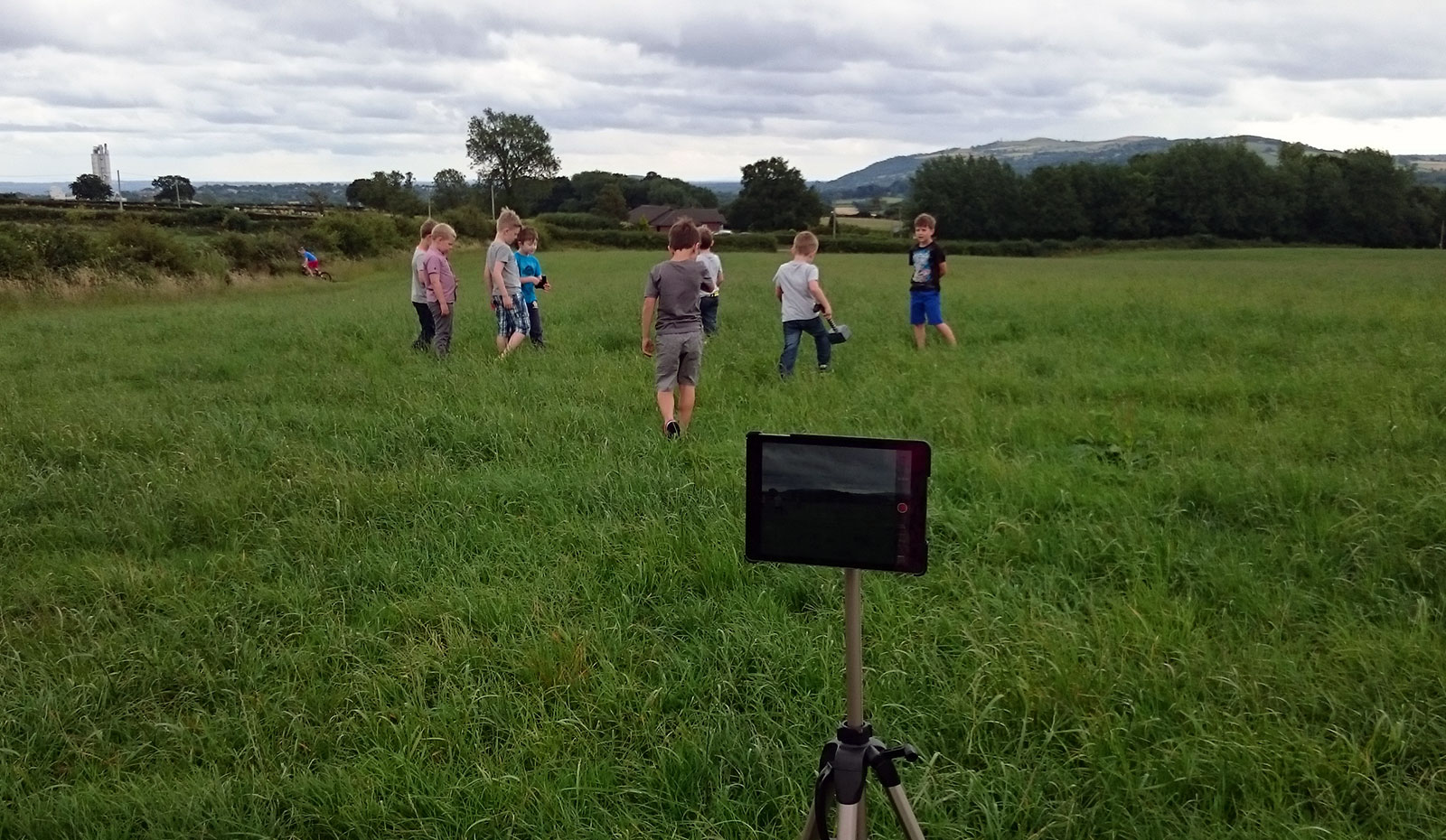
The party was two hours long, during which time I had to film the raw footage, render the effects shots, edit the completed video and then (if there was enough time left) burn a DVD for each of the guests before they left. It was obviously going to be pretty tight but I was up for the challenge! I’d planned out the shots beforehand (like a proper film maker and everything) so on the day of the party I just needed the kids’ for 15 minutes or so while we popped to the field at the end of the road and got a few short bits of footage on the iPad of the kids looking frightened (the acting skills on display were second to none) and then running away from an imaginary dinosaur.

Then it was back home, and while the kids were busy jumping around on the bouncy castle and stuffing their faces with French Fancies I started rendering out the FX shots. I used an app called Efexio, which comes with a handful of free effects but additional collections can be bought as in-app purchases. Then I moved in to iMovie to start assembling the footage. The trailer templates found in iMovie were an absolute godsend, and the ‘Blockbuster’ template was perfect for what we needed. Without that I don’t think there’s any way I could have come up with anything useful in such a short space of time.

2015-08-01-14.31.34+

I managed to get the full video rendered out with enough time left to burn it onto a bunch of DVDs to give to the kids as they left. “Kids of a Legend” (title by Ben) premiered in our front room at the end of the party, to glowing reviews all round. Job done 🙂